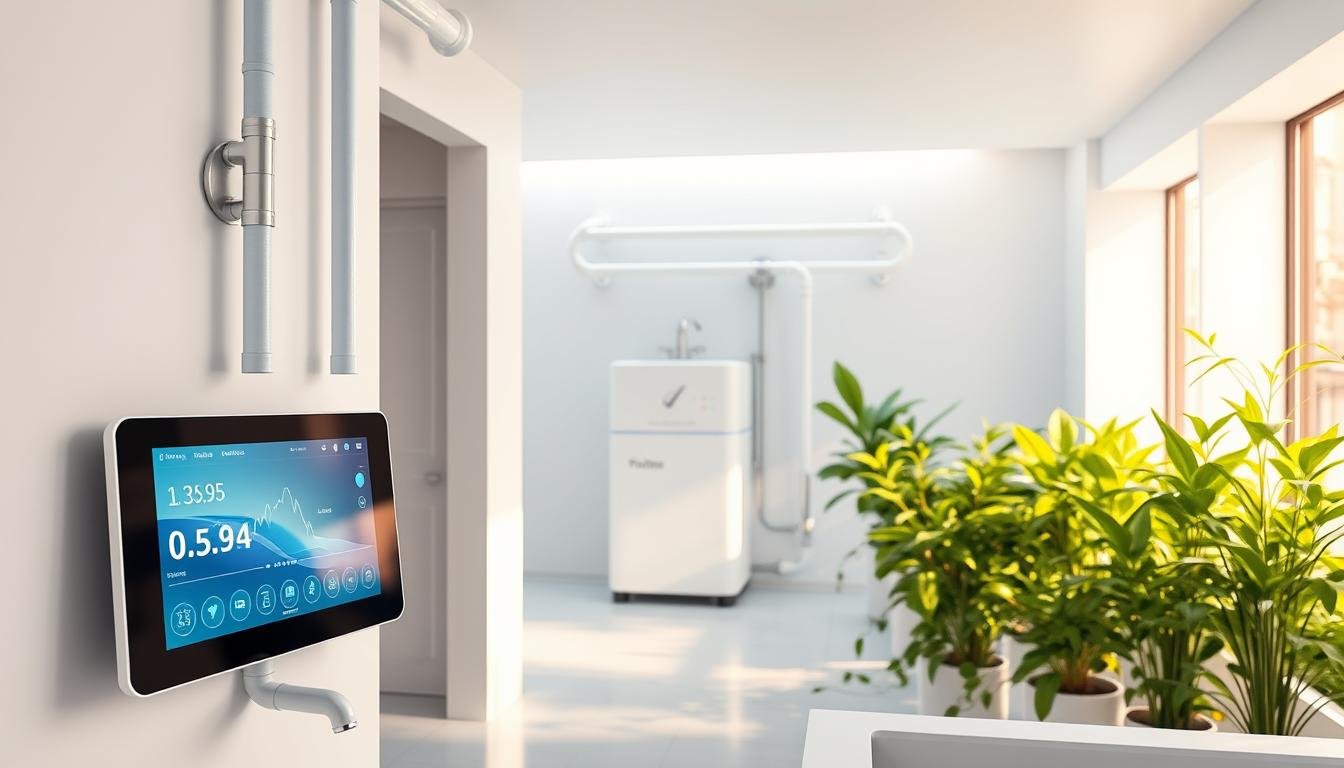
Featured

🌿 SmartLivingJournal — Welcome Post

🌿 Welcome to SmartLivingJournal Your digital companion for living smarter, feeling better, and finding balance in every part ...

Friday, November 28, 2025

Beginners’ Guide: How to Set Up a Smart Home Ecosystem in 2025 (Simple & Practical Steps)

🏠 Beginners’ Guide: How to Set Up a Smart Home Ecosystem in 2025

Thinking about starting your smart home journey in 2025? You're not alone. Smart homes are no longer futuristic luxuries—they’re becoming part of modern, efficient living. But here’s the truth: most beginners feel overwhelmed because they start buying random smart gadgets without a plan.

This guide gives you a clean, simple, step-by-step approach to setting up a smart home ecosystem the right way. Whether you're upgrading your current home or starting from scratch, these tips will help you build a setup that’s smooth, connected, and future-ready.

🎥 Watch the 60-Second Smart Home Starter Video

Here’s a quick breakdown in video form to help you get started instantly:


(Short, simple, and beginner-friendly!)

🔵 Step 1: Choose Your Smart Home Ecosystem

The ecosystem you choose determines how smoothly your devices connect and communicate. In 2025, the top three ecosystems are:

  • Google Home – Best for Android users and flexible automation.
  • Amazon Alexa – Largest device support and budget-friendly options.
  • Apple Home – Best for privacy and Apple device users.

Pick one ecosystem to avoid compatibility issues later. This choice forms the “brain” of your smart home.

🔵 Step 2: Start With Essential Starter Devices

You don’t need to start big. Begin with the basics:

  • 💡 Smart Bulbs — simple, affordable, and instantly useful
  • 🔌 Smart Plugs — make any appliance smart
  • 🎥 Smart Security Camera — improves safety and remote monitoring

These devices help you understand how automation works before expanding your system.

🔵 Step 3: Connect, Automate & Expand Room-by-Room

Once your starter devices are set up, test simple automations like:

  • 🌅 Turn on lights automatically at sunset
  • ⚡ Switch off plugs when not in use to save energy
  • 🚪 Motion-triggered hallway lighting

Smart homes feel powerful when you focus on small routines that make daily life smoother. Expand gradually—one room at a time, not the whole house at once.

🔵 Step 4: Add Advanced Devices (When You're Ready)

  • Smart Door Locks
  • Smart Thermostats
  • Smart Speakers & Sound Systems
  • Smart Curtains & Blinds
  • Multi-room Automation Scenes

By this stage, you’ll have a strong foundation to build a highly connected, efficient smart home ecosystem.

🔗 Read the Full Article (Detailed Breakdown)

For deeper insights, examples, and expanded tips, check out the full SmartLivingJournal guide here:

👉 Read the Complete Step-by-Step Article

💙 Final Thought

A smart home isn’t about having fancy technology—it’s about creating a home that makes your everyday life easier, more efficient, and enjoyable.

Start small. Stay consistent. Build smart.

✨ Follow SmartLivingJournal

Daily smart living tips, productivity hacks, and easy tech guides.

  • YouTube: @SmartLivingJournal
  • Website: SmartLivingJournal.com
#SmartHome #SmartHome2025 #HomeAutomation #SmartLivingJournal #TechLifestyle #FutureOfHome #DigitalLifestyle #SmartDevices

Friday, November 21, 2025

10 Smart Home Devices That Actually Save You Money on Energy Bills

Did you know that the average American household spends around $1,400 per year on energy bills? With the rising costs of electricity and gas, it’s no wonder many are turning to smart home devices to help reduce their expenses. One of the most effective ways to save is by installing smart thermostats, which can learn your schedule and preferences to optimize heating and cooling.

By integrating technology into your daily life, you can make a significant impact on your energy consumption. Various smart home devices are designed to make your life more convenient while saving you money.


10 Smart Home Devices That Actually Save You Money on Energy Bills: Discover 10 smart home devices that can actually save you money on energy bills. Learn how to reduce

Monday, November 17, 2025

🎯 SEO for Absolute Beginners: How to Rank Your Website in Just 7 Days (Complete Guide)

 Learning SEO from scratch can feel overwhelming — especially if you’re just starting your website or blog. The good news? SEO doesn’t have to be complicated. In fact, with a simple, structured plan, even beginners can improve their rankings in just 7 days.


This guide breaks down SEO into easy daily steps, making it perfect for anyone new to website optimization.


🌟 Why This 7-Day SEO Plan Works (Even for New Websites)

Google rewards simple, helpful, and well-structured content.
You don’t need technical skills, expensive tools, or complex strategies.

You just need:

✔ The right keywords
✔ A helpful article
✔ Proper on-page structure
✔ Basic technical setup
✔ A bit of consistency

If you follow these steps, your website will naturally become more “Google-friendly.”


📅 DAY-BY-DAY SEO PLAN


📘 Day 1: Do Beginner-Friendly Keyword Research

SEO starts with knowing what people are searching for.

✔ What you need to find:

  • Low-competition keywords

  • Long-tail phrases

  • Questions people ask

  • Keywords with clear search intent

✔ Free tools to use:

  • Google Keyword Planner

  • AnswerThePublic

  • Google Search Autocomplete

  • Ubersuggest (free version)

Tip:
Choose keywords where big sites are NOT dominating the first page.


✍️ Day 2: Write One Helpful, Well-Structured Article

Google ranks helpful content, not keyword stuffing.

Your article should include:

  • A clear H1 title

  • Subheadings (H2, H3)

  • Bullet points

  • Examples

  • FAQs

  • Internal links

Write like you're solving a real person’s problem.

Make it simple. Make it useful.


🔧 Day 3: Do On-Page SEO (The Smart Way)

Optimize the article you wrote yesterday.

✔ On-page SEO checklist:

  • Keyword in the title

  • Keyword in the URL

  • Keyword in first 150 words

  • Proper H2/H3 headers

  • Compressed images

  • Alt text for images

  • Internal links to supporting articles

  • External links to credible sources

Rule:
Think of Google like a librarian—make it easy to “read and understand” your article.


⚙️ Day 4: Fix the Technical Basics

Technical SEO sounds scary — but you only need to do a few things.

✔ Basic technical steps:

  • Add your site to Google Search Console

  • Submit your sitemap

  • Fix mobile responsiveness

  • Improve page loading speed

  • Avoid broken links

  • Make sure your pages are indexable

These fixes alone can make your site rank much faster.


🧩 Day 5: Build Topical Authority (Google Loves This!)

Topical authority is simple:
Write multiple related articles on the same topic.

For example, if you're writing about SEO:

  • “How to Do Keyword Research”

  • “On-Page SEO Tips”

  • “Technical SEO for Beginners”

  • “Backlinks Explained Simply”

When Google sees clusters of related posts, your website becomes more trustworthy in that niche.


🔗 Day 6: Build Simple, Beginner-Friendly Backlinks

You don’t need outreach or complex link building.

Here are easy backlinks you can create today:

✔ Social profiles (Pinterest, LinkedIn, Tumblr, Medium)
✔ Quora answers
✔ Reddit contributions
✔ Sharing posts on Mix.com
✔ Blogger interlinking
✔ YouTube descriptions

These help Google discover and trust your pages faster.


📊 Day 7: Track, Improve, Repeat

SEO is not “set and forget.”
Today, check your:

  • Search Console impressions

  • Pages indexed

  • Keywords you’re appearing for

  • Articles with low clicks

  • Pages with high impressions but low CTR

Then make improvements:

✔ Add more internal links
✔ Update titles/headlines
✔ Add FAQs
✔ Refresh outdated data
✔ Improve page speed

These small optimizations create long-lasting growth.


🚀 Final Thoughts: SEO Doesn’t Have to Be Hard

This 7-day SEO plan is the perfect beginner blueprint for ranking faster without overcomplicating the process.

If you stay consistent, your SEO will grow — naturally and steadily.

Remember:
Small improvements every day → BIG traffic over time.


🔗 Want the Full Detailed Guide?

Read the complete article here 👇
https://smartlivingjournal.com/seo-for-absolute-beginners-rank-your-website-in-7-days-step-by-step/?utm_source=blogger&utm_medium=post&utm_campaign=seo_beginners

Friday, November 14, 2025

👉 SEO, Ads & Analytics in One Framework | Digital Marketing Made Simple 🌿

Comprehensive Digital Marketing Specialization: SEO, Ads & Analytics

Learn how SEO, paid advertising, and analytics work together to build a complete modern digital marketing strategy.

🌐 What Does Digital Marketing Specialization Mean?

Digital marketing specialization is the combination of three core pillars: SEO, Paid Ads, and Analytics. When these three align, your brand gains visibility, targeted traffic, and measurable results.

🔍 1. SEO — Search Engine Optimization

SEO helps your website rank higher on Google. It focuses on:

  • Keyword research based on user intent
  • Optimizing website content & structure
  • Improving readability & user experience
  • Building high-quality backlinks

Good SEO brings consistent, organic traffic that doesn’t rely on paid ads.

🎯 2. Paid Ads — Google Ads & Social Campaigns

Paid advertising drives immediate traffic and conversions. The goal is to reach your ideal audience through:

  • Search ads (high buyer intent)
  • Display & YouTube ads (brand visibility)
  • Retargeting ads (warm audience conversions)

When combined with SEO, your cost per conversion decreases dramatically.

📊 3. Analytics — Tracking What Works

Analytics completes the marketing triangle. Tools like Google Analytics & Search Console help you understand:

  • Where your traffic comes from
  • Which pages convert best
  • Your ROI on ads & organic ranking
  • User behavior & engagement

With proper tracking, you stop guessing and start optimizing.

“SEO brings the audience. Ads convert the audience. Analytics helps you repeat success.” — SmartLivingJournal

💡 Why This Specialization Matters

Businesses that integrate SEO + Ads + Analytics outperform competitors because they:

  • Understand their audience deeply
  • Grow faster with targeted visibility
  • Optimize every marketing rupee spent
  • Adapt quickly with data-driven decisions

🚀 The Path to Becoming a Digital Marketing Expert

Start with SEO fundamentals, learn ad platforms like Google Ads, and master analytics tools. With these three, you can build campaigns that deliver consistent long-term results.

📘 Continue Reading on SmartLivingJournal

Explore advanced strategies, charts, and examples in the complete article: Comprehensive Digital Marketing Specialization: SEO, Ads & Analytics.

🌐 Read the Full Article

Learn smarter. Grow faster. Succeed digitally with SmartLivingJournal 🌿

Wednesday, November 12, 2025

🌿 SmartLivingJournal — Welcome Post

🌿 Welcome to SmartLivingJournal

Your digital companion for living smarter, feeling better, and finding balance in every part of life.

SmartLivingJournal Digital Ambassador

✨ What SmartLivingJournal Is All About

SmartLivingJournal is where well-being meets wisdom. Our mission is simple — to make life more intentional, healthy, and balanced through easy-to-follow insights on:

  • Health & Wellness — yoga, nutrition, and mindful living guides.
  • Tech & Smart Living — simple tools and safety tips for the digital age.
  • Home & Lifestyle — routines, decluttering, and organization inspiration.
  • Productivity & Mindset — calm focus and meaningful progress every day.
  • Smart Money — small financial habits that make big differences.

💚 Our Philosophy

Life doesn’t have to be complicated. At SmartLivingJournal, we believe that tiny intentional choices — what you eat, how you rest, how you manage your digital space — can create powerful change over time.

“Live simply. Learn continuously. Grow consciously.” 🌿

📚 What You’ll Find Here

Each week, we share thoughtfully written articles, step-by-step guides, and real-world tips to help you:

  • Adopt healthier routines that actually fit your lifestyle
  • Use technology without feeling overwhelmed
  • Find peace in a noisy, fast-moving world
  • Discover ways to save time, money, and energy

🌎 Our Connected World

SmartLivingJournal is part of the Smart Brands Network — a family of purpose-driven projects built to help people live better and work smarter. Explore our sister brands:

🕊️ Join the Smart Living Movement

We invite you to explore, learn, and be part of a growing community that values clarity over clutter, balance over burnout, and simplicity over stress. Follow SmartLivingJournal across all platforms and begin your journey toward a calmer, smarter, and more meaningful life.

Thank you for being here — may every visit inspire a little more balance, awareness, and joy. 🌿

10 Gentle Yoga Poses to Relieve Stress and Calm Your Mind (Even for Beginners)

10 Gentle Yoga Poses to Relieve Stress and Calm Your Mind 🧘‍♀️

In today’s fast-paced world, stress has quietly become a part of our daily routine. The good news? You don’t need advanced flexibility or years of practice to find calm through yoga. These 10 gentle yoga poses are perfect for beginners and anyone seeking relief from anxiety, fatigue, or mental clutter.

1️⃣ Child’s Pose (Balasana)

This restorative posture relaxes your lower back and calms your mind. Simply fold forward, rest your forehead on the mat, and take deep, slow breaths.

2️⃣ Cat-Cow Stretch (Marjaryasana-Bitilasana)

Flow between arching and rounding your spine. It eases tension in your neck and shoulders while bringing awareness to your breath.

3️⃣ Standing Forward Bend (Uttanasana)

Let gravity do the work. This pose relieves stiffness in your hamstrings and helps quiet racing thoughts.

4️⃣ Seated Forward Bend (Paschimottanasana)

A grounding stretch that soothes the nervous system and encourages introspection. Keep your knees slightly bent if you’re new to yoga.

5️⃣ Legs Up the Wall (Viparita Karani)

One of the simplest and most effective relaxation poses. It improves circulation, reduces fatigue, and helps the body switch into rest mode.

6️⃣ Easy Pose with Deep Breathing (Sukhasana + Pranayama)

Cross-legged sitting with slow, mindful breaths instantly signals your body to relax. A few minutes here can restore focus and peace.

7️⃣ Reclining Butterfly (Supta Baddha Konasana)

Opens the hips and chest while releasing emotional tension. Add a cushion under your knees for support.

8️⃣ Supine Twist (Supta Matsyendrasana)

Gently wrings out spinal tension and aids digestion. Breathe deeply as you twist to each side.

9️⃣ Bridge Pose (Setu Bandhasana)

Strengthens your core and glutes while promoting relaxation when held with slow breathing.

🔟 Corpse Pose (Savasana)

End your session here — lying still, palms open, eyes closed. Let go of every effort and allow full-body rest.

✨ Practice Tip: Try holding each pose for 5–10 breaths and focus on deep inhalation and longer exhalation. Pair your routine with calming background music or gentle lighting.

🌸 Continue Reading on SmartLivingJournal

Explore deeper guidance, posture images, and breathing sequences in our full article: 10 Gentle Yoga Poses to Relieve Stress and Calm Your Mind (Even for Beginners).

🌐 Read the Full Article

Breathe deeply. Live gently. Embrace calm with SmartLivingJournal 🌿

10 Smart Ways to Stay Safe in the Digital World (Even If You’re Not Tech-Savvy)

🔒 Continue Reading on SmartLivingJournal

Discover all 10 Smart Ways to Stay Safe in the Digital World — practical, simple, and perfect for anyone who isn’t tech-savvy but wants to stay protected online.

🌐 Read the Full Article

Empower yourself with smarter, safer, and more mindful digital habits 🌿